
An ESP32 remote-control link lives or dies on latency: the delay between moving the stick and the servo responding. The ESP32 has two CPU cores, but FreeRTOS, its operating system, happily migrates tasks between cores and preempts them unpredictably unless you tell it otherwise. That unpredictability shows up as jitter, occasional control frames arriving late, and in the worst case a visible stutter in the controlled device. Task pinning, assigning critical tasks to specific cores with fixed priorities, removes the operating system's freedom to get in the way, and it is the single most effective software step toward a tight RC link.
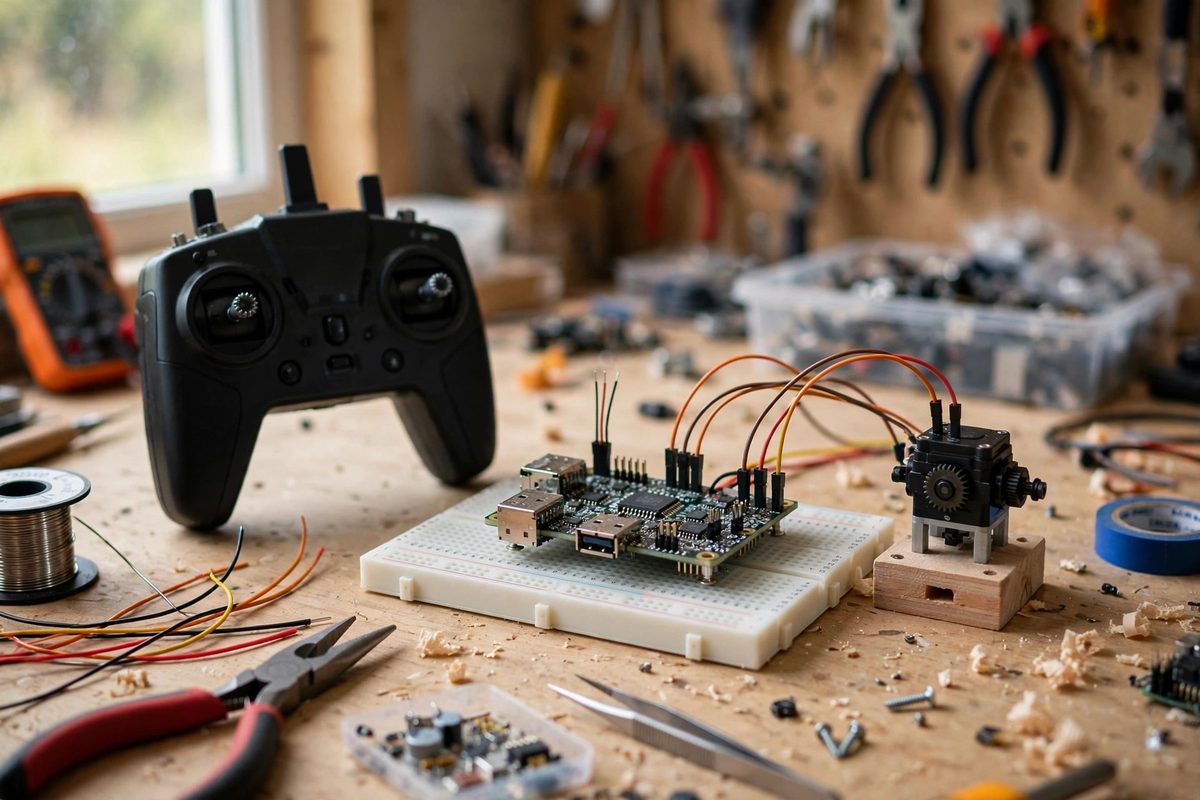
How the Two Cores Divide Work by Default
Out of the box, the ESP32 runs system tasks on core 0, the protocol CPU, handling Wi-Fi, Bluetooth, and TCP/IP, while the Arduino-style setup and loop run on core 1, the application CPU. This division is sensible but not strict: FreeRTOS can schedule any unpinned task on either core, and high-priority system activity on core 0, like Wi-Fi interrupt handling, preempts whatever is running there. For an RC application, the danger is that your control-receive task, or your servo-update task, gets delayed because it happened to be scheduled on the busy core, or gets migrated mid-stream. The delays are small, usually microseconds to low milliseconds, but they are irregular, and irregular delay is jitter. Jitter in a control loop feels like imprecision; enough of it feels like lag.
Pinning the Critical Path
Task pinning uses the core-affinity parameter when creating a task to lock it to one core. The strategy for RC: pin the radio-receive task and the control-output task to core 1, the application core, at high priority, and leave core 0 to the Wi-Fi and Bluetooth stack. This guarantees the control path never contends with protocol processing for CPU time. Within core 1, assign priorities deliberately: the task that parses incoming control frames and the task that writes servo outputs get the highest application priorities, above housekeeping like telemetry logging or display updates. A lower-priority task cannot preempt a higher-priority one, so the control path runs deterministically even when the system is busy. The mechanism is simple; the discipline is in deciding what is truly critical and giving only those tasks the top slots.
Priorities Without Starvation
High priorities are powerful and dangerous: a high-priority task that never blocks starves everything below it, including the system tasks that keep Wi-Fi alive. The rule is that every task, even the highest priority one, must block regularly, waiting on a queue, a semaphore, or a delay, so lower-priority tasks get their turns. Structure the RC tasks around blocking waits: the receive task blocks on the radio queue until a frame arrives, processes it immediately, and blocks again; the output task blocks on a timer or a notification from the receive task. This pattern gives the critical path immediate response when there is work, because a blocked high-priority task wakes the instant its event arrives, while consuming essentially zero CPU when there is nothing to do. Starvation happens when tasks poll instead of blocking; blocking is both the latency optimization and the safety mechanism.
Isolating Timing-Critical Outputs
Servo and motor outputs often have hard timing requirements: a servo PWM frame every 20 milliseconds, a motor update at a fixed control rate. Jitter on these outputs shows up directly as twitching or roughness. Pin the output task to the application core at high priority and drive it from a hardware timer or the FreeRTOS tick with a precise period, not from a delay loop that drifts. Keep the output task's work minimal: compute the outputs, write them, block until the next period. Move everything else, telemetry formatting, logging, LED effects, out of this task. If the outputs use peripherals like the LEDC PWM hardware or the RMT peripheral, configure them once during setup; the hardware then maintains the signal without CPU involvement, and the task only updates duty values. Hardware peripherals are the ultimate jitter elimination because they do not depend on task scheduling at all.
Measuring What You Achieved
Latency work without measurement is superstition. Instrument the link: timestamp when a control frame arrives at the receiver and timestamp when the corresponding output updates, and log the distribution, not just the average. The average latency might look fine while the 99th percentile shows occasional spikes that explain the stutter you feel. A simple method is toggling a GPIO pin at frame arrival and at output update, then measuring the interval with a logic analyzer or even a second microcontroller. Compare pinned versus unpinned configurations with the same test: the improvement from pinning shows up as a tighter distribution, fewer outliers, rather than necessarily a lower average. If spikes persist after pinning, look at interrupt handlers and Wi-Fi activity on core 0, which can still affect shared resources like the radio peripheral.
Low-latency RC on the ESP32 is about removing the operating system's surprises: pin the control tasks to the application core, prioritize them above housekeeping, make them block instead of poll, lean on hardware peripherals for outputs, and measure the distribution. The link will feel wired, which is the whole point.
Related Guides
- ESP-NOW Packet Latency on Remote Systems: ESP-NOW is Espressif's connectionless Wi-Fi protocol for direct device-to-device communication, and its headline feature is low latency: no
- Antenna Diversity Switching on ESP32 Drone Nodes: A drone's radio link is its lifeline, and antenna orientation is the link's weakest variable: as the aircraft banks, pitches, and yaws, the antenna's
- Packet Serialization Rates in ESP-NOW Long Range: ESP-NOW's long-range mode trades speed for reach, and that trade shows up directly in how fast you can serialize and send packets. A remote control
- Heartbeat Failsafe Timing for ESP-NOW Controllers: ESP-NOW makes ESP32 boards talk to each other directly, fast, and without a router, which makes it ideal for remote control: a handheld controller