
Repetitive milling, a row of identical pockets, a grid of holes, a pattern of slots, is where hand-written G-code earns its keep, and G91 incremental mode is the tool that makes it manageable. In incremental mode every move is relative to the current position rather than to the work origin, which means a subroutine written once can be called at any location to repeat the same feature. Learn this pattern and whole families of parts reduce to a short main program calling one well-tested subroutine.
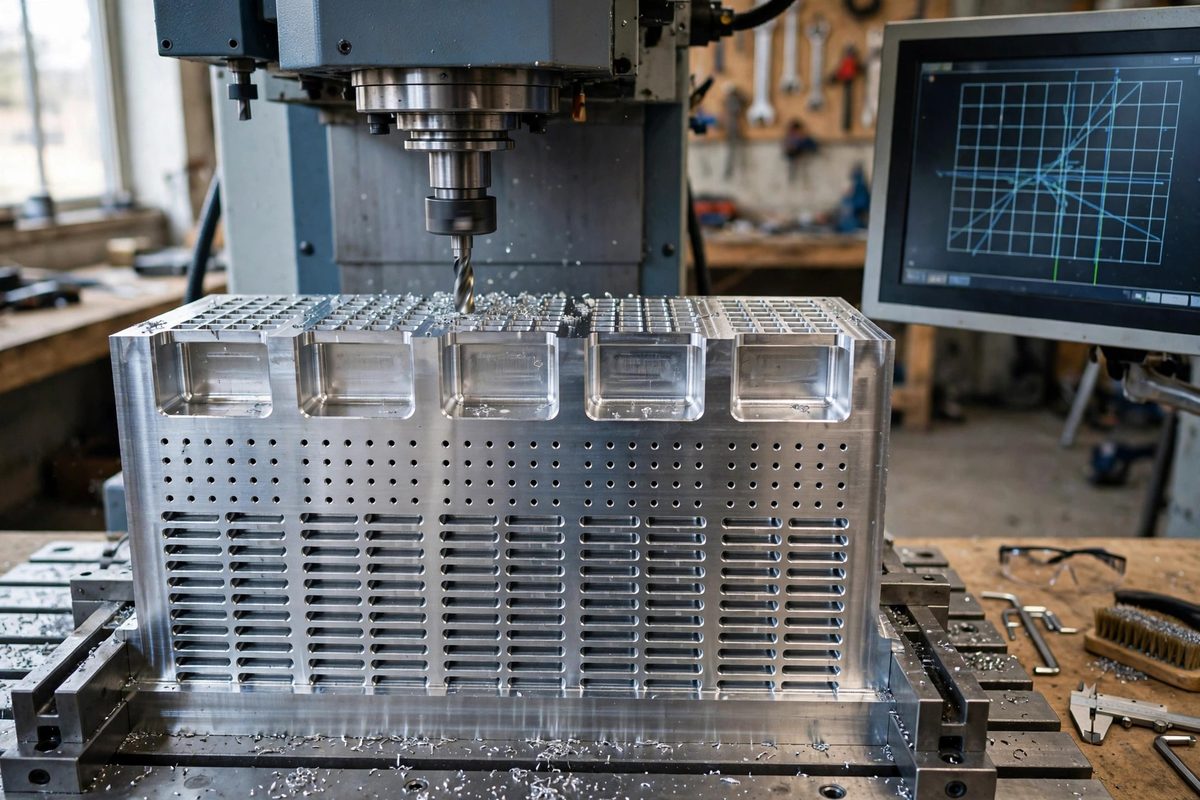
Absolute versus incremental: the mental shift
In G90 absolute mode, X1.0 means go to coordinate 1.0 on the X axis. In G91 incremental mode, X1.0 means move 1.0 in the positive X direction from wherever you are now. The same block of code therefore produces the same shape at any starting point, which is exactly what a repeated feature needs. The subroutine does not know or care where it is; it just cuts the feature relative to its start, and the main program positions the start before each call.
This shift takes deliberate practice because absolute thinking is the default. A useful discipline: write the subroutine on paper first as a sequence of moves from an imaginary origin, then verify that every coordinate in it is a relative move. One absolute move smuggled into an incremental subroutine will send the tool somewhere unexpected on the second call.
Structuring the subroutine
A clean feature subroutine has three parts: approach, cut, and return. The approach moves from the call position to the feature start, usually with a safe Z clearance. The cut performs the feature: the pocket, the hole pattern, the slot. The return brings the tool back to the same relative position it started from, at safe Z, so the main program can step to the next location and call again without any leftover offset.
The return-to-start discipline is the most important part. If the subroutine ends anywhere other than where it began, each call accumulates an error and the features drift across the part. End every subroutine by reversing the approach moves, or by structuring the cut so it naturally finishes at the start point. Verify this on the first call by checking the position readout before and after; they must match.
Calling the subroutine across the part
The main program sets absolute mode, moves to each feature location in absolute coordinates, switches to incremental, calls the subroutine, and repeats. Many controls support subroutine calls with repetition counts or loop constructs, which compress a grid of features into a few lines: position at the grid start, then loop the subroutine call with an incremental step between calls.
Keep the mode switches explicit and visible. A common bug is calling the subroutine while still in absolute mode, or returning to the main program in incremental mode and then making absolute-intended moves. Some programmers wrap the subroutine call in mode changes every time, G91 before the call and G90 after, even when it seems redundant. The redundancy costs nothing and prevents the most confusing class of G-code bugs.
A concrete pattern: the bolt-hole grid
Consider a grid of holes. The subroutine, in incremental mode, might: move down to drilling depth at the current XY, retract to clearance, and end. The main program positions at each hole location in absolute mode and calls the subroutine. For a regular grid, nest two loops: an outer loop stepping Y and an inner loop stepping X, calling the subroutine at each step. The whole grid, dozens of holes, becomes a subroutine of three moves and a main program of a handful of lines.
More complex features follow the same shape. A rectangular pocket subroutine cuts the pocket relative to its corner; the main program places corners. A slot subroutine cuts relative to its start; the main program places starts. The pattern scales to any feature that repeats.
Testing safely
Prove the subroutine at a safe location before running it on the part: call it once in midair or on scrap and confirm the tool returns exactly to its start point and the feature shape is correct. Then run the first production call at reduced feed with a hand near the feed hold. Incremental bugs manifest as unexpected motion, and catching the first one at low speed is the difference between a scare and a crash.
Write the feature once, prove it returns to start, and let the main program do the repetition. G91 subroutines turn tedium into a tested, reusable asset.
Related Guides
- Custom Arc Acceleration Smoothing Rules: G-code arcs (G2 and G3) look smooth on screen but can make a machine stutter, dwell, or gouge if the controller and the motion planner disagree about
- Subprogram Looping and Macro Calls in Fanuc G-Code: Repetitive machining, drilling a bolt circle, milling a pocket pattern, engraving a row of labels, does not need repetitive code. Fanuc G-code
- Polar Coordinate Interpolation Setup in Grbl: Most CNC work lives in Cartesian coordinates: X left-right, Y front-back, and the machine interpolates straight lines and arcs between points. But
- Modal Group Interactions in Fanuc Turning Cycles: Fanuc canned cycles for turning, the G70 through G76 family, are powerful shortcuts, but they interact with modal G-code groups in ways that surprise