
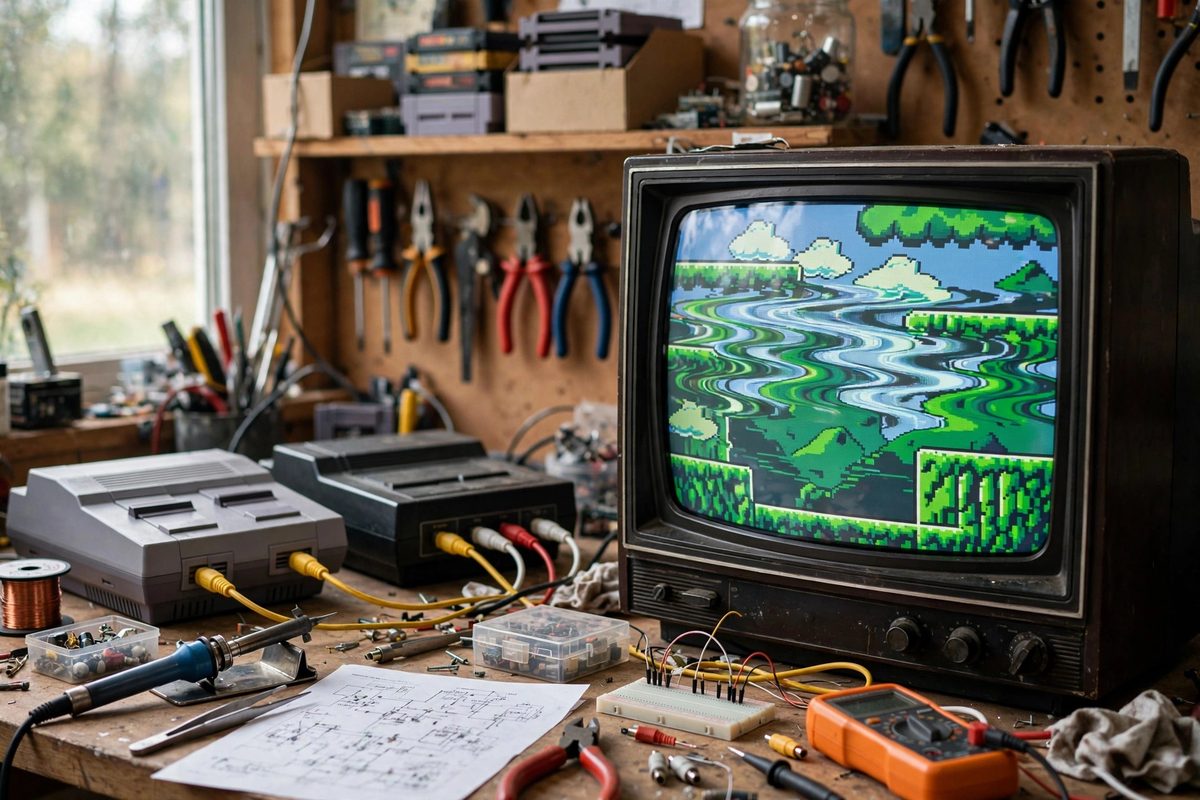
Retro consoles output composite video, a single signal carrying picture and synchronization together, and retro CRTs were designed to lock onto it. But many enthusiasts see sync jitter: the image shivers horizontally, tears at the top, or rolls, especially with modded consoles or modern replacement parts. Understanding where composite sync comes from and what disturbs it turns a frustrating display problem into a diagnosable one.
How composite sync works
In a composite signal, the sync pulses are voltage excursions below the black level: the display's sync separator strips them out and uses their timing to trigger each line scan and each field. The horizontal sync pulse tells the CRT when to start each line; if its timing wobbles, the line starts at a slightly different horizontal position each time, which the eye sees as jitter or shimmer. Vertical sync does the same for fields. The whole system assumes the sync pulses arrive at rock-steady intervals; anything that modulates their timing shows up directly in the picture geometry.
Common jitter sources in modded consoles
Console mods are the usual suspects. A mod that taps video from the wrong point can pick up a sync signal contaminated with switching noise from the console's digital circuitry. Poorly routed mod wires act as antennas, coupling noise into the sync line; the fix is short, direct wiring, ideally with the sync line kept away from clock and data lines. Some mods replace the original video encoder with a modern equivalent whose sync timing differs subtly from the original; the CRT may lock, but marginally, producing intermittent jitter. In those cases, adding proper termination (75 ohms) and checking the sync amplitude with a scope usually reveals the problem.
Cable and connection issues
Before blaming the console, suspect the cable. Long, unshielded, or damaged composite cables pick up interference and attenuate the sync pulses; a sync pulse arriving weak or noisy jitters. Use short, shielded cables and confirm connectors are clean and tight. Multiple adapters and switch boxes in the chain each add impedance mismatches that reflect the signal; simplify the chain as a test. If the jitter disappears with a direct, short cable, the console was never the problem.
CRT-side causes
Sometimes the CRT is the marginal party. Aging electrolytic capacitors in the sync separator and deflection circuits cause exactly these symptoms: horizontal jitter that worsens as the set warms up is a classic capacitor failure signature. A CRT that jitters with every source, not just one console, points at the display, not the source. Recapping the relevant sections restores the sync circuits' timing stability. Also check the CRT's own adjustments; some sets have horizontal hold controls that need tweaking as components age, and a hold control at the edge of its range produces chronic marginal sync.
Diagnosing systematically
Isolate variables one at a time: test the console on a different display, test a different console on the same display, swap the cable, bypass the switch box. Change one thing per test and note the result; shotgun troubleshooting wastes time and can introduce new problems. When the jitter follows the console across displays, the console or its mod is at fault; when it follows the display across consoles, service the CRT. Patience and method beat parts-swapping.
Steady sync is a chain: clean generation, clean wiring, clean cable, healthy display. Find the weak link methodically, and the picture locks solid.
Related Guides
- Installing Clean S-Video Buffers on Classic Consoles: Many classic consoles generate a beautiful S-video signal internally but never brought it to the outside of the case. Adding a properly buffered
- Installing Low Noise RGB Bypass Amps on Consoles: Many classic consoles generate beautiful RGB video internally and then bury it under noisy, compromised output circuitry before it ever reaches the
- Low ESR Filter Capacitor Sizing on Vintage Consoles: The power supply filter capacitors in a vintage console have been cooking for decades, and electrolytics do not age gracefully. When they dry out