
RetroPie turns a Raspberry Pi into a retro gaming console, but some emulated systems demand more CPU than the Pi delivers at stock speeds. Overclocking, running the processor core above its rated frequency, buys the headroom that makes demanding emulators playable: smoother frame rates in 3D-era systems, fewer audio crackles, and less input lag. It is a well-trodden path on the Pi, but it trades stability and heat for speed, and the tuning has to be done deliberately.
What overclocking actually changes
The Pi's system-on-chip runs at a rated clock speed set conservatively by the manufacturer. Overclocking raises the ARM core frequency, and optionally the GPU and memory frequencies, so each clock cycle still does the same work but more cycles happen per second. Emulators are among the most clock-sensitive workloads there is: they simulate an entire foreign CPU in software, and their performance scales almost linearly with host clock speed until some other bottleneck appears.
The gains show up where the emulator was just barely missing its timing: a PlayStation emulator that drops frames at stock speed may hold a steady frame rate with a moderate overclock, because the extra cycles cover the worst-case emulation load. Systems that already run full speed gain nothing; overclocking only helps where the CPU was the limit.
Finding a stable overclock
Increase the core frequency in small steps, testing stability at each step before going further. A common approach is steps of 50 to 100 MHz above stock, with a stress test and a gaming session at each step. The Pi will tell you when it has had enough: crashes, freezes, graphical corruption, and SD card errors are the classic signs of an unstable overclock, and they may appear only under sustained load, not in the first five minutes.
Voltage supports the overclock: raising the core voltage slightly (overvolting) stabilizes higher frequencies, at the cost of more heat. Increase voltage only as much as the frequency needs, in the smallest steps the firmware allows, because voltage drives heat quadratically while frequency drives it roughly linearly. More voltage than necessary just makes heat for no gain.
Cooling is not optional
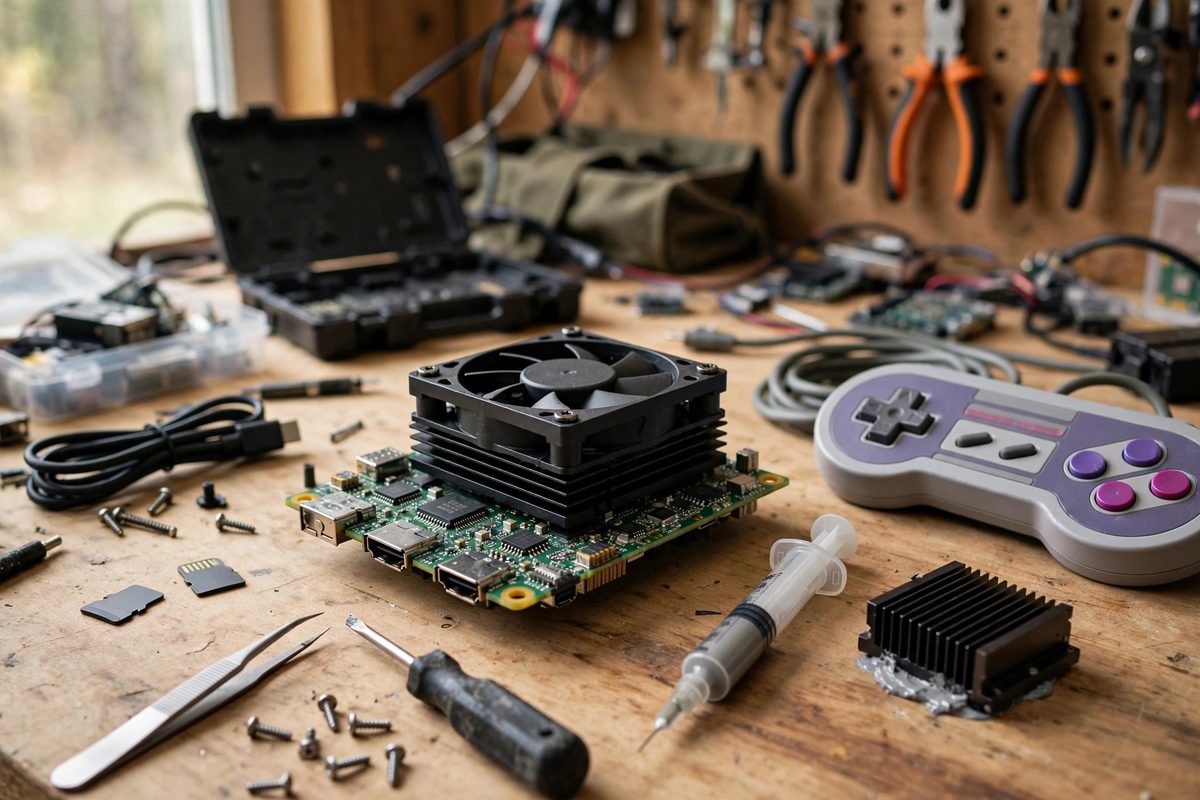
An overclocked Pi needs real cooling. The stock Pi throttles its clock speed when the chip gets hot, which means an overclock without cooling produces a Pi that briefly runs fast, overheats, throttles below stock speed, and performs worse than it did before. At minimum, fit a good heatsink with airflow; for serious overclocks, a fan-cooled case or an active cooler is the realistic requirement.
Monitor the temperature during testing. Keep the chip comfortably below its throttling point under sustained emulation load, with margin for a warm room. If the temperature climbs toward throttling during a long gaming session, the cooling is inadequate for that overclock regardless of how stable it seemed in a short test.
Per-system thinking
Not every emulated system needs the overclock, and running one globally wastes power and generates heat during light emulation that never needed it. RetroPie allows per-emulator and per-game configurations, so consider applying the overclock only where it matters: enable the higher clocks for the demanding 3D-era emulators and leave the 8-bit and 16-bit systems at stock speeds where they run perfectly already.
This selective approach also simplifies stability testing: the overclock only needs to be stable under the emulators that use it. Test with the actual demanding games, not just a stress-test utility, because emulator workloads stress the chip differently than synthetic loads, with bursty, irregular patterns that expose instabilities a steady load might miss.
Risks and honesty about them
Overclocking within the firmware's supported parameters is a mainstream Pi practice, but it is still operating outside the manufacturer's rated specification. The realistic risks are instability and SD card corruption from crashes, both manageable with careful testing and good backups. Keep a known-good backup of the SD card before overclocking, so a corrupted card from a crash during testing costs minutes rather than a full rebuild.
Step up gradually, cool properly, test with the real emulators, and keep a backup. The reward is a RetroPie console that handles the demanding systems smoothly, which is the difference between a novelty and a console that actually gets played.
Related Guides
- Overclocking Core Frequencies on RetroPie Builds: RetroPie on a Raspberry Pi emulates classic consoles, and emulation is brutally CPU-intensive: the Pi must simulate every cycle of the original
- Reducing Audio Latency in RetroPie Emulators: Nothing breaks the spell of a retro game faster than sound that lags the action. You press jump, the character leaves the ground, and the boing
- Reducing GPIO Input Lag on Retro Emulators: Input lag is the delay between pressing a button and seeing the result, and on a Raspberry Pi retro gaming build it accumulates from every stage: the
- Setting Refresh Rates to Eradicate Micro-Stutter: Micro-stutter, the barely-perceptible but maddening irregularity in scrolling and motion, ruins retro gaming on the Raspberry Pi more thoroughly than