
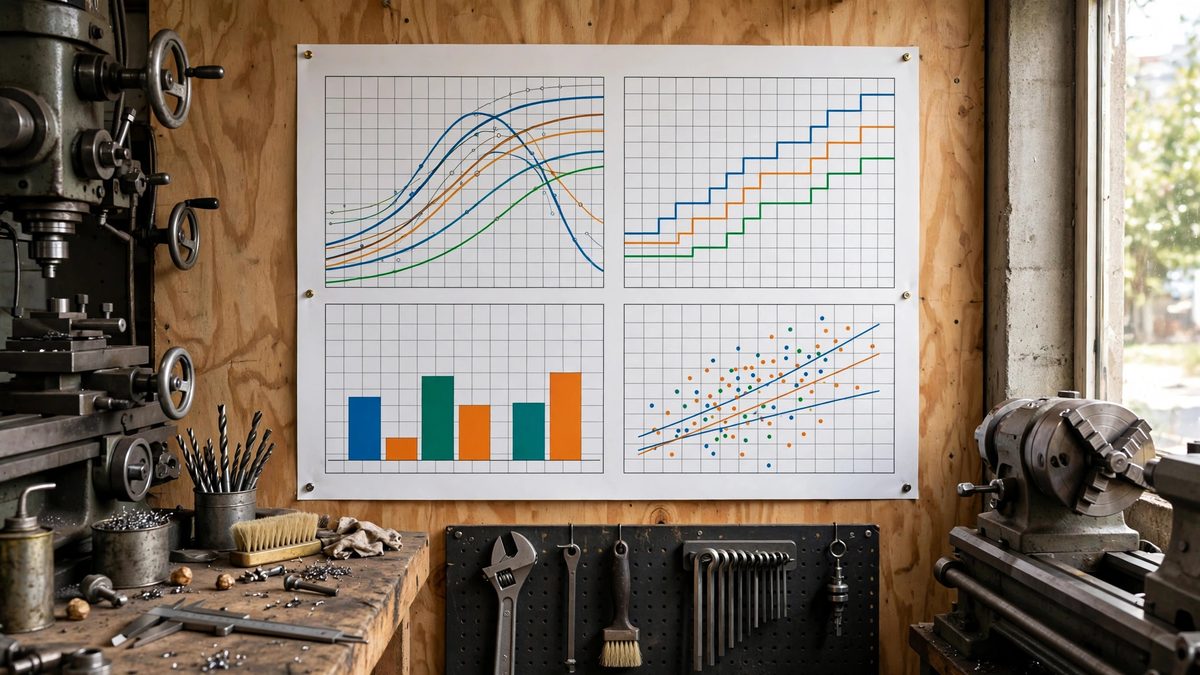
Every shop with a mill, lathe, or drill press needs feed and speed numbers at the point of use, not buried in a handbook across the room. A wall chart that gives surface feet per minute and chip load for common materials turns guesswork into a glance. But a chart is only as good as its data and its design: cluttered, tiny, or wrong numbers get ignored, and an ignored chart is wall decoration. Here is how to build reference charts worth hanging.
What the numbers mean
Cutting speed, usually given as surface feet per minute (SFM), is how fast the tool's edge moves through the material. Feed, given as inches per minute or chip load per tooth, is how fast the tool advances into the cut. The two work together: the right SFM keeps the tool edge in its happy temperature zone, and the right feed keeps each tooth cutting rather than rubbing. Too slow on speed and the tool rubs and work-hardens the material; too fast and the edge overheats and dies. The chart's job is to put sane starting values for both in front of the operator instantly.
Choosing what goes on the chart
A shop chart should cover the materials actually cut in that shop: for most maker shops that means mild steel, aluminum, brass, a few plastics, and maybe stainless. For each material, list SFM ranges for high-speed steel and carbide tooling separately, since carbide runs roughly three to four times faster. Include the RPM formula (RPM = SFM × 3.82 ÷ tool diameter in inches) prominently, because operators need to convert SFM to their machine's spindle speeds. Add chip load starting values per tool diameter. Resist the urge to include every exotic alloy; a chart that covers five materials well beats one that covers thirty poorly.
Designing for distance reading
The chart will be read from several feet away, often by someone wearing safety glasses with chips on them. Use large type: nothing important smaller than about half an inch tall. Organize in a strict grid, materials down the side, tool types across the top, with strong row and column headers. Use color coding sparingly and redundantly: color plus labels, never color alone, since shop lighting varies and some operators are colorblind. Laminate the finished chart or print it on heavy stock; paper charts in shops curl, stain, and die within months.
Starting values, not gospel
Label the chart clearly as starting values. Real cutting conditions vary with tool geometry, machine rigidity, coolant, and depth of cut, and the operator's job is to adjust from the starting point based on sound, chip formation, and finish. A chart that presents its numbers as absolute invites either timid, slow cutting or broken tools when conditions differ. Include a short "how to adjust" note: if chips are blue and the tool squeals, reduce speed; if the finish is torn and the tool rubs, increase feed. The chart gets them close; their senses take it from there.
Keeping charts honest
Review the chart when tooling changes: switching the shop from HSS to carbide end mills, for example, invalidates half the numbers. Date the chart and note the source of its values. If operators consistently run different numbers than the chart says, find out why; either the chart is wrong for the shop's reality or the operators need coaching, and both are worth knowing. A living chart earns trust; a stale one gets ignored.
Build it for the materials you cut, make it readable from across the room, label it as a starting point, and keep it current. The best chart is the one operators actually look at.
Related Guides
- Standard Machine Tool Feed Charts for Shop Display: Feed and speed charts are the shop wall's quickest reference: glance up, find your material and tool size, and dial in a starting point instead of
- Standardizing Machine Speed Reference Cards for Walls: Every shop with rotating machinery needs the same information within arm's reach: the right spindle speed for the material, the tool, and the
- Standard Tap and Drill Clearance Chart Typography: A tap and drill chart is one of the most consulted references in any shop that cuts threads, and also one of the most abused by bad typography. A
- Metric to Imperial Machine Conversion Dial Chart Layouts: Many shop machines speak metric while the project speaks imperial, or the reverse. A conversion dial chart, a circular slide-rule-style reference