
Cold press watercolor paper has a beautifully textured surface that gives ink drawings character, but that same texture fights the pen nib. The nib catches on the paper's hills, scratches, skips, and sprays ink unpredictably. Preventing scratching is about matching the tool to the surface and adjusting technique, not about forcing the nib through.
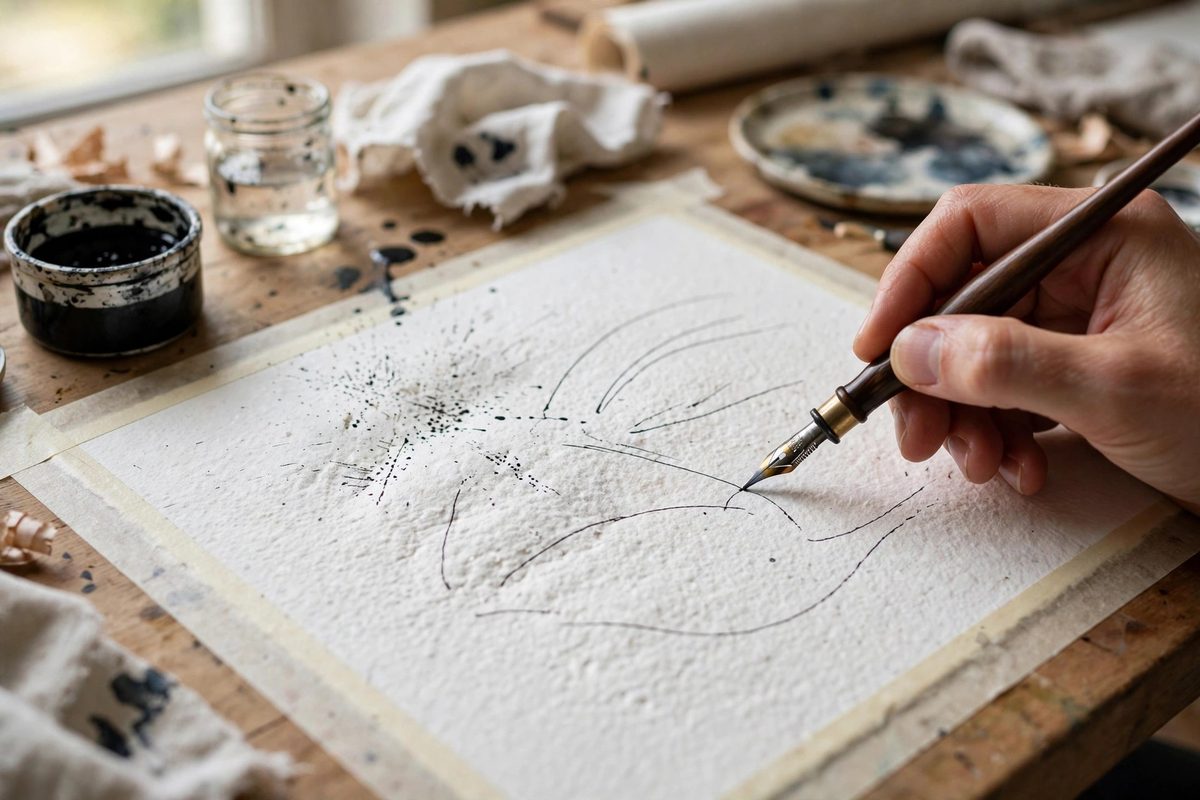
Why Cold Press Fights Nibs
Cold press paper is formed with a textured felt that leaves a pebbled surface of peaks and valleys. A pointed nib, designed to glide on smooth paper, drops into the valleys and snags on the peaks; each snag flexes the tines unevenly, which sprays ink or scratches a gouge. Rag paper, made from cotton, adds long fibers that can lift and catch the nib point. The combination is the most nib-hostile common drawing surface. This is not a defect in the paper; the texture is the point for watercolor. But the inker must adapt to it rather than expecting the paper to behave like bristol.
Choosing the Right Nib
Stiff nibs with smooth, well-aligned tines handle cold press best. A flexible nib's tines spread and catch far more readily; save the flex nibs for smooth paper. Blunter nib styles, like a medium italic or a firm round point, ride over the texture instead of digging into it. Inspect the nib under magnification before inking: the tine tips should be smooth, aligned, and free of burrs or hooks. A damaged nib that writes fine on smooth paper will be unbearable on cold press, so dedicate your best-conditioned nibs to textured work. Some artists keep a nib specifically broken in for cold press, its tip microscopically polished by the texture itself into a shape that glides.
Technique Adjustments
Lighten the hand dramatically. Heavy pressure drives the nib into the valleys; a light touch lets it skate across the peaks, which actually produces the attractive broken line quality that suits the paper. Slow down, especially on curves, where the nib is most likely to catch a fiber sideways. Hold the pen at a slightly lower angle to increase the contact area and reduce the point loading that causes digging. Work with the paper's grain direction when possible, and avoid scrubbing back and forth over one spot, which lifts fibers and worsens the scratching. If a stroke starts to scratch, stop, lift, and restart the stroke rather than pushing through; pushing through gouges the paper and sprays ink.
Preparing the Paper Surface
A few preparation steps tame the texture. Lightly burnishing the drawing area with a smooth bone folder or the back of a spoon knocks down the highest peaks without destroying the paper's character; test on a scrap first, since over-burnishing creates a slick spot that shows. Some artists apply a thin sizing or a light spray of workable fixative to bind loose surface fibers before inking. Stretching the paper properly also matters: cockled paper changes the nib's angle of attack constantly, multiplying catches. Work on paper taped or stretched flat so the nib meets a stable surface. These preparations take minutes and transform the inking experience.
Ink and Maintenance
Use a free-flowing ink that keeps the nib lubricated; a dry or cloggy ink increases friction and scratching. Clean the nib frequently during the session, since paper fibers and dried ink accumulate on the point and act like a burr. Dip often and shake off the excess; a well-loaded nib glides better than a starved one. If scratching persists despite good technique, consider whether the paper is simply too rough for the intended line quality; hot press rag gives a smooth surface with the same cotton durability, and many inkers switch papers rather than fight the texture. There is no shame in matching the paper to the job.
Cold press rag rewards the inker who lightens up, slows down, and chooses a stiff, smooth nib: prepare the surface, keep the ink flowing, and let the nib skate the peaks. The texture then becomes broken-line character instead of a battlefield.
Related Guides
- Waterproof India Ink Binder Viscosity on Hot Press Rag: Waterproof India ink behaves differently from non-waterproof ink on hot press paper, and the reason sits in the binder. Waterproof India ink carries
- Nib Flex Dynamics for Controlled Feathering Lines: A flexible nib spreads its two tines apart as you press down, letting more ink flow and drawing a wider line. Release the pressure and the tines snap
- India Ink Shellac Film Balancing for Rapid Pens: India ink's permanence comes from shellac: the natural resin that binds the carbon pigment into a waterproof film once dry. That same shellac is what