
Machine embroidery pulls. Every stitch draws the fabric slightly toward the stitching line, and satin columns, with their dense zigzag stitches, pull hardest of all. At high speeds the distortion multiplies. Pull compensation, the digitizer's countermeasure, adds extra width to the design so the finished embroidery lands at the intended size.
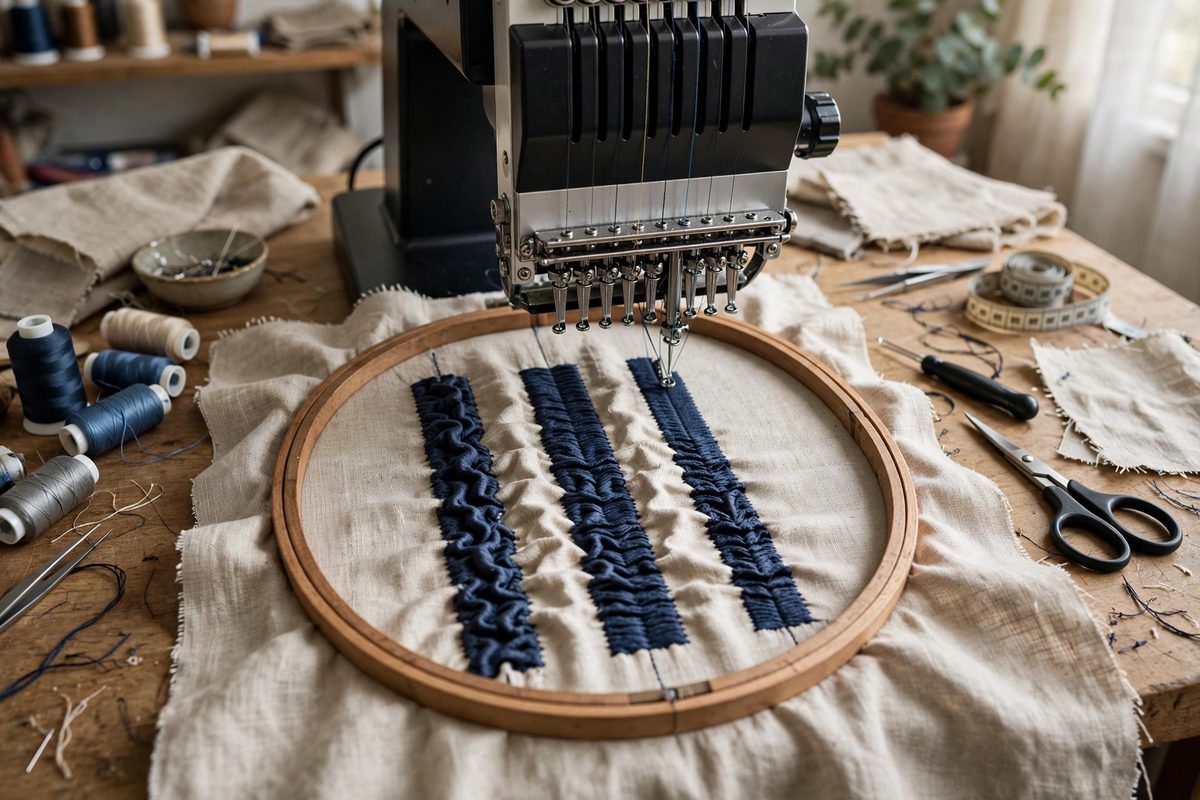
What pull does to a satin column
A satin column is a series of zigzag stitches laid edge to edge. Each stitch's tension pulls the fabric inward, so the column sews narrower than digitized and the fabric around it puckers. On stretchy or lightweight fabrics the effect is dramatic: a column digitized at four millimeters might sew at three. The distortion also drags nearby design elements out of registration. Pull compensation adds width to the digitized column, typically a fraction of a millimeter on each side, so the sewn result matches the design. It is a correction applied in the software before a single stitch is sewn.
How much compensation to add
The amount depends on the fabric, the stabilizer, the stitch density, and the column width. Dense stitching on stretchy fabric needs the most; light stitching on stable fabric needs the least. Typical starting values are in the range of a tenth to a few tenths of a millimeter per side, but the honest answer is that every combination needs testing. Sew a test column, measure the sewn width against the digitized width, and adjust. Keep a log of what worked for each fabric and stabilizer pairing; that log becomes your compensation library.
Speed's effect on the equation
Higher machine speeds increase the effective pull. The needle and thread move faster, tension spikes higher, and the fabric has less time to recover between stitches. A design compensated for moderate speed may sew narrow at high speed. If you digitize for one speed and sew at another, retest. Some digitizers build speed into their compensation presets, but the presets are starting points. The test sew at production speed is the final authority.
Direction matters: the push-pull balance
Stitches do not only pull inward; they also push the fabric ahead of the needle slightly. In a satin column, the pull dominates across the width, but along the length of the column the push can cause the ends to overshoot. Good digitizing accounts for both: pull compensation on the width, and slight shortening or underlay adjustments on the length. Sewing the column in sections or using appropriate underlay stitches distributes the forces and reduces both effects. The underlay is not optional on problem fabrics; it is part of the compensation system.
Stabilizer as the foundation
No amount of compensation fixes inadequate stabilization. The stabilizer's job is to give the stitches something stable to pull against instead of the fabric. Cutaway stabilizer for knits and stretchy fabrics, tearaway or cutaway for wovens depending on stitch density, and the right hooping tension to match. A well-stabilized piece needs less compensation and sews more consistently. When a design misbehaves, check the stabilization before reaching for the compensation settings; the software cannot fix a mechanical problem.
Testing protocol that works
Test on the actual fabric, with the actual stabilizer, at the actual speed, using the actual thread. Change one variable at a time. Measure with calipers, not by eye; a tenth of a millimeter is invisible but matters across a design. Test the full design, not just a column, because compensation in one element affects registration with its neighbors. File the test results with the design so the next run starts from knowledge, not hope.
Compensate for the pull, respect the push, stabilize properly, and test at production conditions. The satin columns will sew at the width you digitized, the design will register, and the machine can run at speed without apology.
Related Guides
- Needle Penetration Angles on High Thread Density Caps: Embroidering caps on a machine is already the hard mode of the craft: the curved surface, the thick center seam, and the stiff structured crown all
- Stabilizer Density Pairing for Dense Knit Stitches: Machine embroidery on knit fabric is a structural negotiation: dense stitch fields pull and distort stretchy fabric, and the stabilizer is what holds
- Bobbin Thread Tension Calibration With Gauge Meters: Machine embroidery quality lives or dies on thread tension balance, and the bobbin side is the foundation everything else references. If bobbin
- Bobbin Tension Calibration With Electronic Gauges: Machine embroidery quality hinges on the balance between top thread tension and bobbin tension, and the bobbin side is the one most operators