
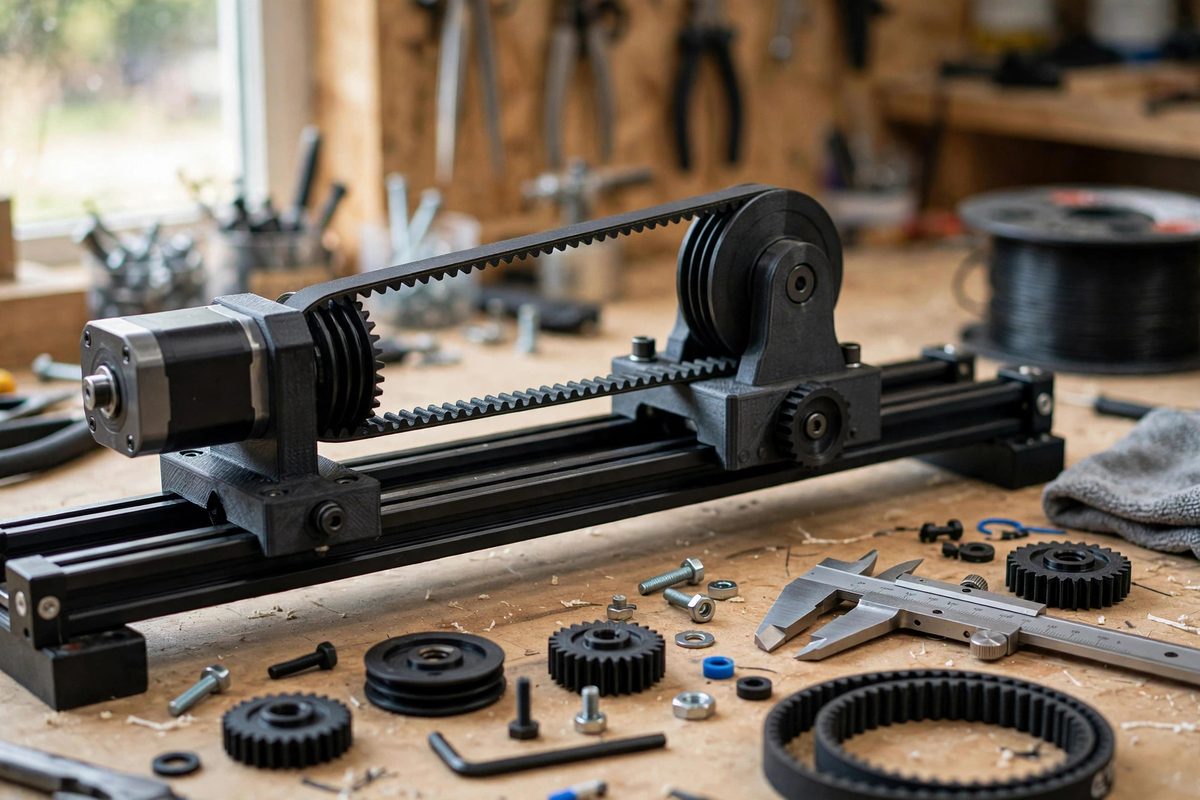
A motorized camera slider lives or dies by smoothness: any vibration in the drive becomes visible jitter in the footage. The pulley and belt that connect the stepper motor to the carriage are a prime vibration source, and the tooth profile, the shape of the teeth on the pulley and the belt, determines how smoothly they mesh. Choosing and setting up the right profile is a cheap, high-impact upgrade for any DIY slider.
Where pulley vibration comes from
As each belt tooth engages and disengages with the pulley, the effective radius changes slightly and the belt tension pulses. With coarse, trapezoidal tooth profiles, this engagement is abrupt: each tooth slams into mesh, creating a periodic vibration at the tooth-passing frequency. That frequency, multiplied by the stepper's own step vibration, lands right in the range that shows up as micro-jitter in video. Finer teeth engage more gradually, spreading the meshing action over more teeth at once and smoothing the pulses.
Tooth profile options
The common profiles form a clear progression. T2.5 and T5 trapezoidal profiles are cheap and widely available but the roughest running; they are fine for 3D printers but marginal for camera motion. GT2 (2mm pitch, rounded tooth profile) is the sweet spot for DIY sliders: the rounded teeth engage progressively, the 2mm pitch is fine enough for smooth motion, and pulleys and belts are inexpensive and ubiquitous. HTD profiles (3mm, 5mm) handle higher torque with their deeper rounded teeth but run rougher than GT2 at fine scales. For the smoothest motion, GT2 with a quality belt is the default choice; exotic profiles add cost without proportional benefit at slider loads.
Pulley quality and concentricity
Profile is only half the story; a GT2 pulley that is eccentric (bored off-center) or has rough teeth vibrates regardless of its profile. Spin the pulley on the motor shaft and watch for wobble; any visible runout will appear in the footage. Machined aluminum pulleys outperform molded plastic ones in concentricity and tooth consistency. Ensure the pulley bore matches the motor shaft exactly and the set screw seats on the shaft's flat; a pulley that slips or sits crooked on the shaft introduces a once-per-revolution vibration that no profile can fix.
Belt tension and alignment
Belt tension has a Goldilocks zone: too loose and the belt teeth ride up and slap, too tight and bearing loads rise and the stepper works harder, increasing its own vibration. Tension until the belt's long span deflects slightly under firm finger pressure, then lock it down. Alignment matters equally: the belt must run centered on the pulley flanges without rubbing. A belt climbing a flange edge creates a periodic scraping vibration; adjust the motor mount or the idler position until the belt tracks true through the full carriage travel.
System-level smoothing
The pulley is one link in the smoothness chain. Drive the stepper with microstepping (16x or finer) to smooth its native step vibration, and consider a driver with smooth current control rather than a basic chopper. Keep the carriage mechanics clean and lightly lubricated; a gritty rail makes any drive vibrate. And isolate the motor from the slider frame with a flexible coupling or a damping mount if the motor's own vibration transmits structurally. Each improvement compounds; the pulley profile is the highest-leverage single change.
GT2 profile, concentric machined pulley, correct tension, true tracking, microstepped drive. The footage will show what the hardware cannot: nothing at all.
Related Guides
- Counterweight Balancing on Heavy Camera Sliders: A camera slider with a heavy cinema rig on it is a physics problem on rails: several kilograms of camera, lens, and accessories riding a carriage
- Damped Linear Bearing Selection for Heavy Camera Sleds: A camera slider carrying a heavy cinema rig lives or dies by its linear bearings. The sled must glide with constant resistance, no stick-slip, no
- Dual Steel Linear Rail Spacing on Heavy Camera Mounts: A camera slider is only as smooth as its rails, and heavy camera packages punish undersized or poorly spaced rails mercilessly. Dual steel linear
- Linear Bearing Damping for Heavy Motion Sliders: A camera slider carrying a heavy cinema rig has a physics problem: mass plus motion equals momentum, and momentum at the end of a slide becomes a